Apply a mask🔗
Masks are useful for visualizing where water, vegetation, and other features are present in a given land area and removing them before analysis.
Creating mask layers🔗
Mask layers can be created using the vegetation mask or water mask tools, or created from a binary layer computed using the raster calculator. Once a layer is created that you want to use as a mask, be sure to mark it as a mask so that it can be used in this dialog.
Tip
Water and vegetation masks created using those tools will be automatically marked as masks.
Masking layers🔗
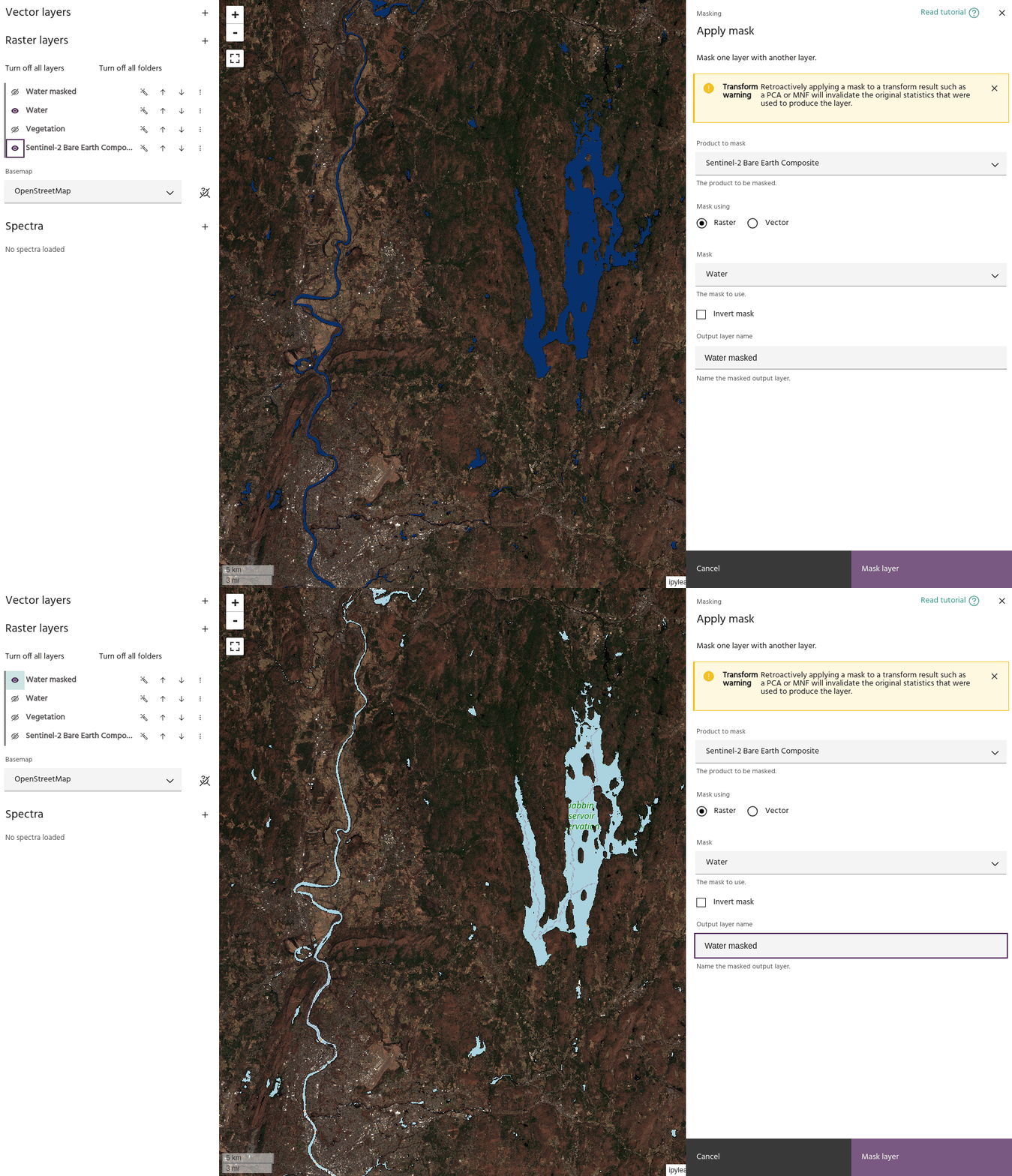
- Use the Product to mask dropdown menu to choose the layer you want masked.
- Use the Mask dropdown menu to choose the layer to use as a mask. Either raster or vector layers can be used.
- Once valid inputs are chosen, a preview layer will be generated showing the new masked data.
Tip
You may need to turn off the input layers to ensure your final masked layer looks how you expect.
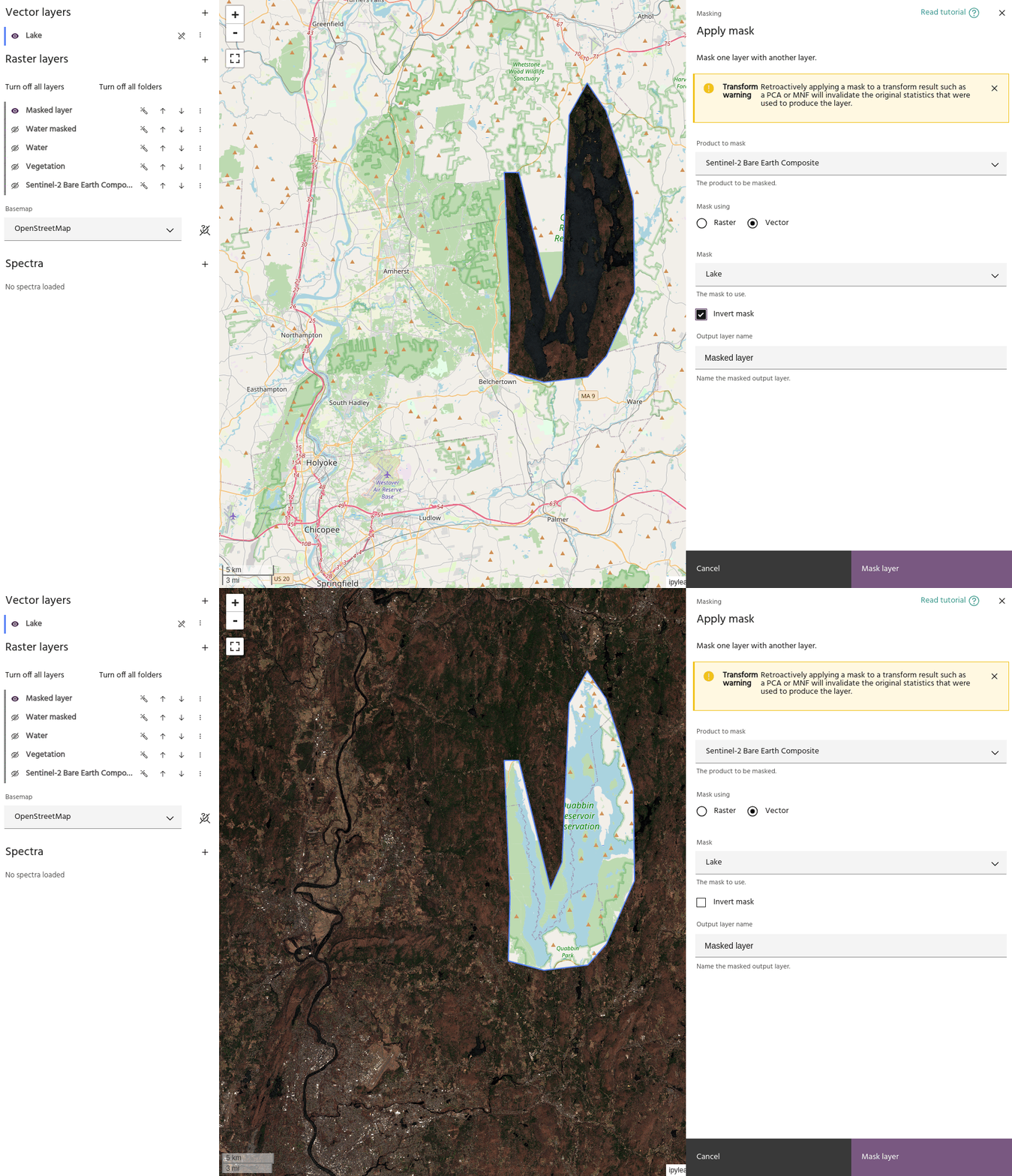
- Use the
Invert maskflag to invert the mask - mask outside a vector instead of inside, for example.
Ready to learn more? Our team is available to discuss how EarthDaily's agricultural intelligence platform can meet your specific needs.
Contact us