Water mask🔗
The Water mask tool is used to identify and mask out water in a layer when you do not want to consider areas under water in your analysis.
Usage🔗
- Use the single slider to select the frequency of scenes for which a pixel marked as water must have water in it. A low value, such as 10, will reveal many pixels marked as water, compared to a higher value, such as 90.
Tip
The Water mask tool uses a method that describes the frequency of water occurrence on a land surface from the period of 1984 to 2015. A value of 0 corresponds to surfaces that are never under water, while a value of 100 corresponds to surfaces that are always under water. To create your own water mask based on different dataset(s) or methods, use the Raster calculator tool.
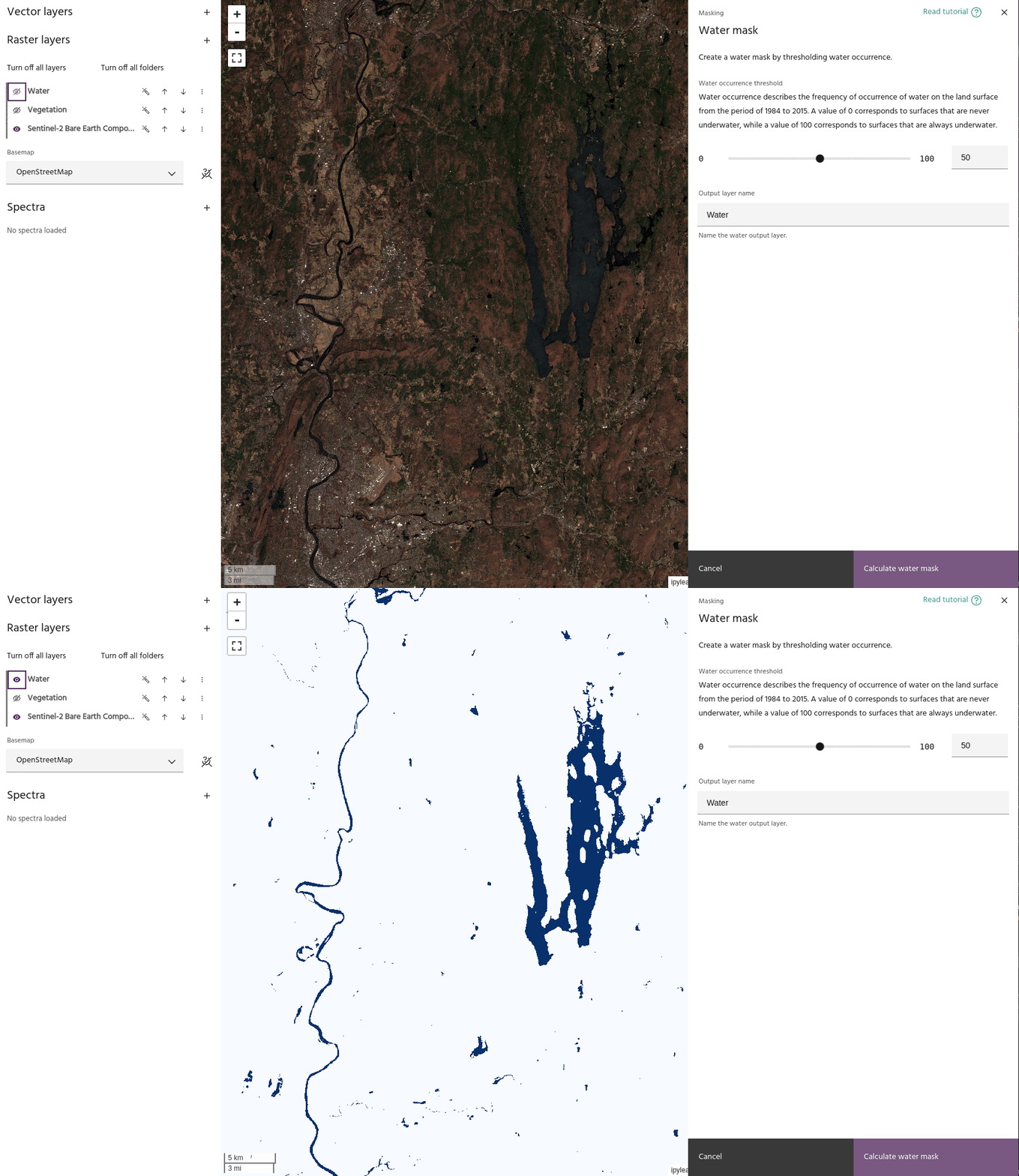
- When you set a value that you like, click the Calculate water mask button to save your water mask in the Raster layers dropdown menu. The mask will now be available to apply to a layer using the Apply a mask tool.
Tip
Using the settings dialog of a mask layer, you can hide low values to show only the areas identified as water.
Ready to learn more? Our team is available to discuss how EarthDaily's agricultural intelligence platform can meet your specific needs.
Contact us