Assign class labels🔗
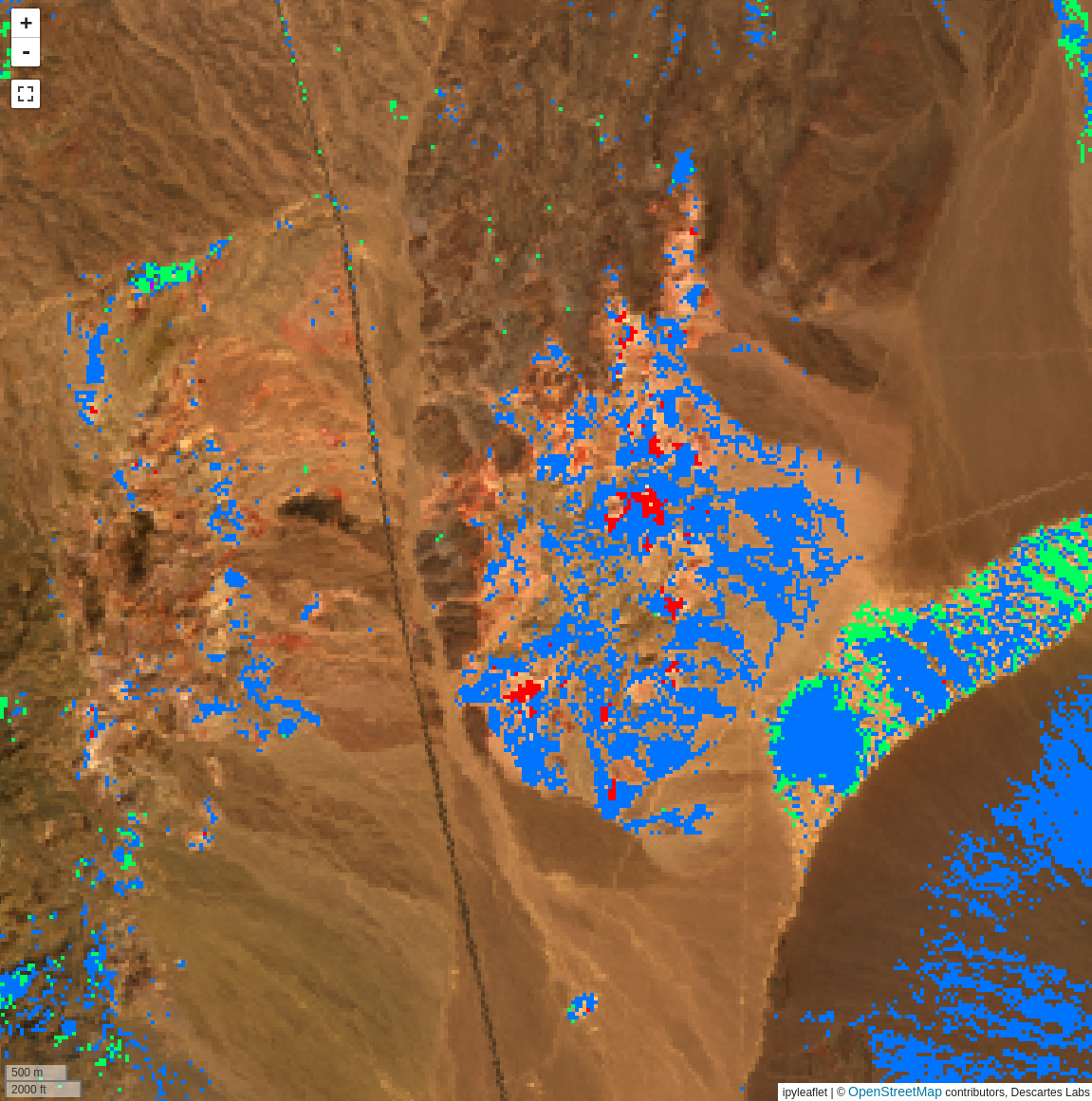
The Assign class labels tool can be used to create a classified layer from an input containing bands that represent scores or probabilities from several sources. For example, after running SAM for multiple targets, this tool can be used to select the highest score at each pixel and create a classified layer from the result.
Usage🔗
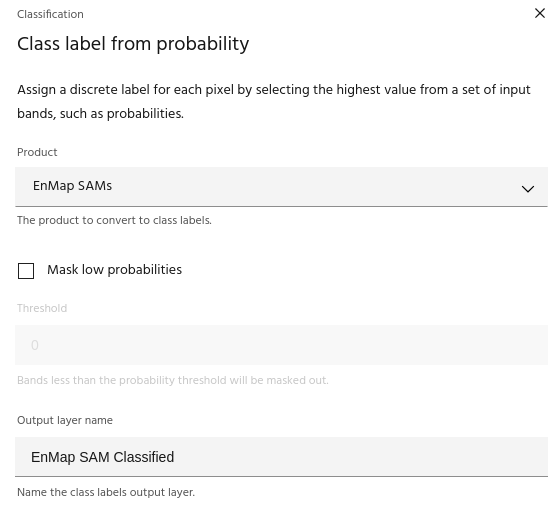
The Assign class labels dialog allows you to select the input product and choose an output name for the classified layer.
Mask low probabilities🔗
The Mask low probabilities checkbox allows you to mask any pixel where
the band values are lower than the chosen Threshold.
Ready to learn more? Our team is available to discuss how EarthDaily's agricultural intelligence platform can meet your specific needs.
Contact us